Take the command role
Practice an initial report, resource coordination, reassessment and a command briefing in one five-decision residential-fire exercise.
Incident Lab gives aspiring fire officers a place to rehearse how they communicate, coordinate resources, and respond as an incident unfolds. Work through a fictional residential fire, hear back from assigned crews, and build a clear record for a focused debrief.
In development. The current pilot is open to visitors.
Open Incident Lab See how it works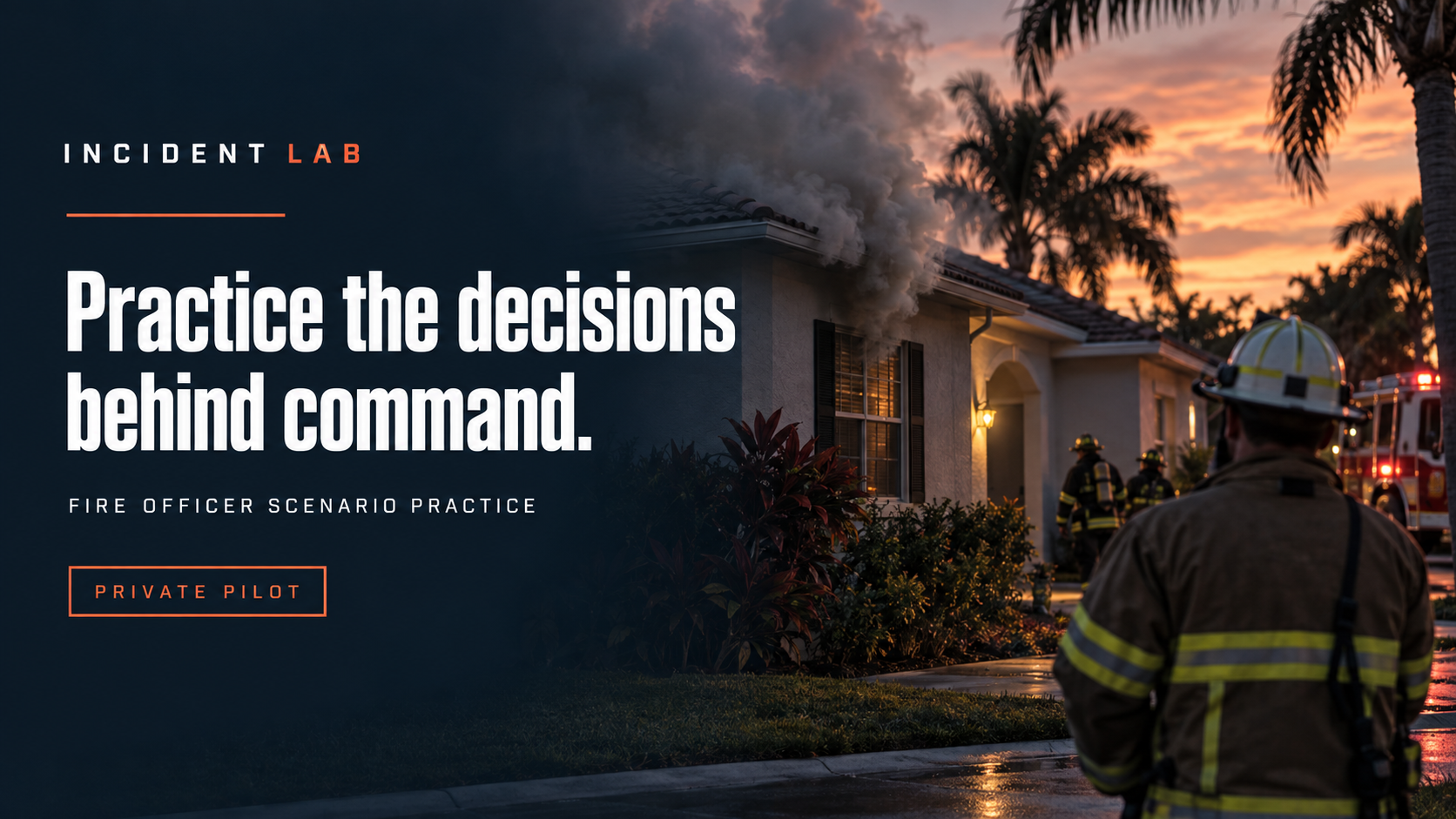
You arrive as District 1 alongside the first engine. Smoke is showing from a one-story residence. Occupancy is unconfirmed. Your one-alarm resources are responding, and Battalion 1 will arrive last.
What do you say first? Who gets which assignment? What information do you need before your next decision?
Record your response, assign unit tasks, and read the crew reports as the exercise advances. Finish by briefing incoming command on what is known, what remains uncertain, and what still needs attention.
Practice an initial report, resource coordination, reassessment and a command briefing in one five-decision residential-fire exercise.
Structured unit tasks produce acknowledgments, progress reports and follow-up reports. Search results distinguish areas already searched from areas still outstanding.
Use the guided walkthrough to learn the exercise flow and understand which actions the software records. Then rehearse responses in your own words.
Review the full incident log, link observations to specific responses, and record the next thing to work on with a facilitator.
Save sessions in your browser and export the transcript or session file for later review.
Use scripted practice without an AI connection, or manually exchange a response with ChatGPT and review its interpretation before continuing.
Read dispatch information and establish your command identity.
Record your response and select unit tasks on the resource board.
Receive authored crew updates as simulated time advances, then explain your next decision.
Hand off your incident picture and use the transcript for a facilitator-led debrief.
Fire officers preparing for scenario-based promotional assessments, and candidates practicing with a coach or facilitator. The initial pilot focuses on residential-fire command and communication.
Incident Lab is in development and available as a public pilot. The current pilot includes one residential-fire scenario, guided practice, resource task reports, a manual ChatGPT interpretation workflow, and an exportable practice record.
EMS and personnel-management scenarios are planned. You can open the current pilot in your browser. Pricing and a full release date have not been announced.
No. Incident Lab is an independent practice tool. Its scenarios and review criteria are not an official department exam or scoring rubric.
The scripted mode works without an AI connection. An optional manual workflow lets a facilitator copy a request into ChatGPT and bring the interpretation back for review. The current app does not include a connected AI service or automatically interpret every typed assignment.
Selecting a supported unit task on the resource board schedules authored acknowledgments and reports. Typed answers and free-text notes alone do not schedule those tasks in the current pilot.
The exercise uses authored developments and task reports. It is not a physics-based fire model or a prediction of real incident outcomes.
A facilitator reviews the transcript and records observations. The pilot does not assign an automated competence score or predict an exam result.
The current pilot runs in a web browser. A public phone installation package has not been released.
Sessions stay in the browser used for practice. Export a backup to keep a separate copy or move a session to another device.